
01
Get credentials
After a paid order we send username, password and server URL.
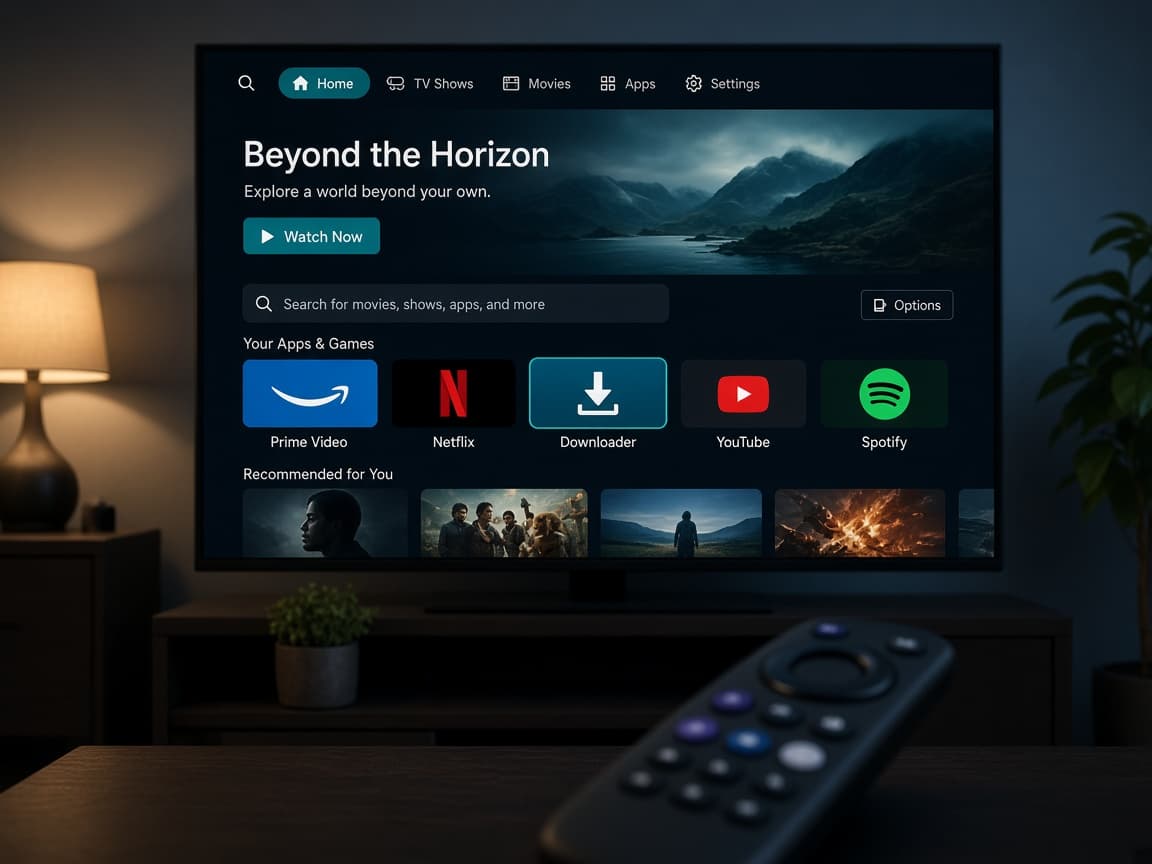
Installation
Xtream Codes is the recommended login (catch-up + automatic EPG). M3U playlist is the fallback. Pick your device below.
Home / Installation
01
After a paid order we send username, password and server URL.
02
IPTV Smarters on Fire Stick, Smart TV, Android, iOS or PC.
03
Add user → Xtream Codes API → watch Live TV and VOD.
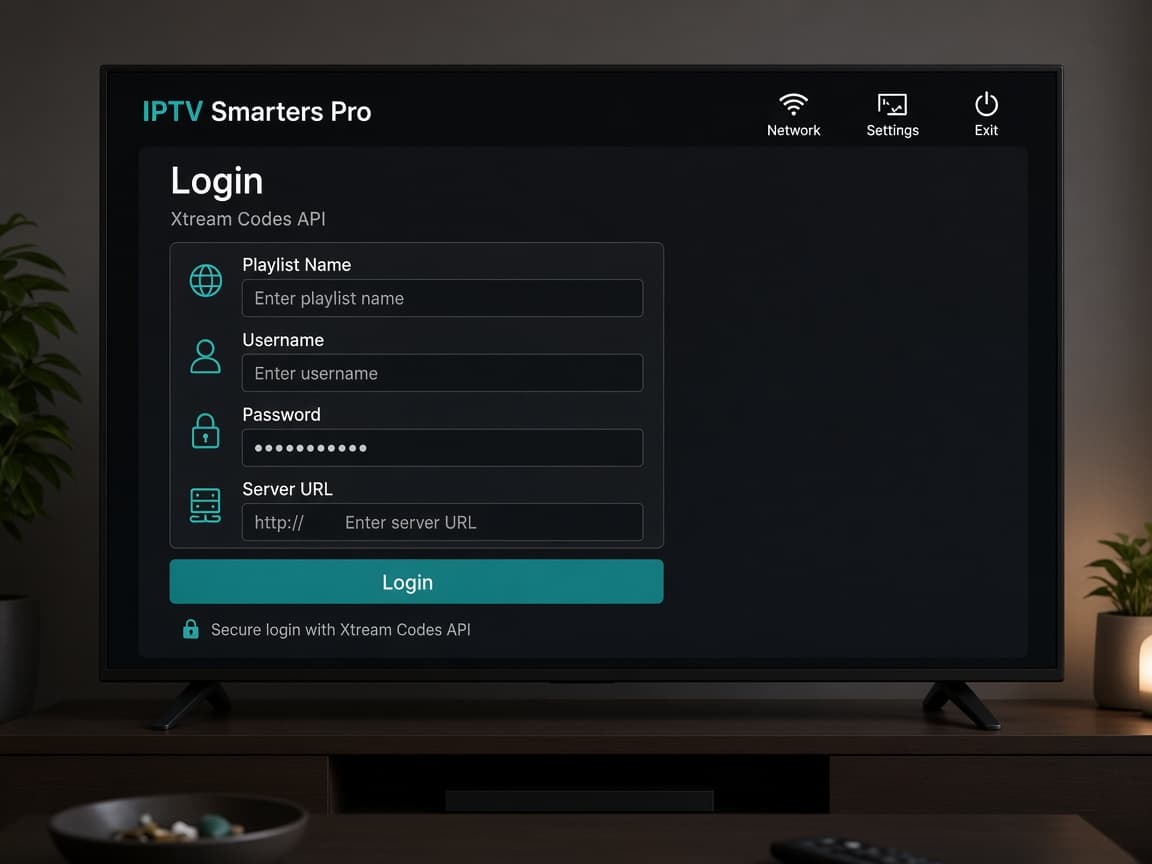
Xtream Codes API is what we send first. You type a playlist name (e.g. Voodoo IPTV), your username, password and portal / server URL. EPG loads on its own and catch-up works on groups that support it.
M3U / playlist URL is for devices that refuse Xtream. Live TV still plays; the guide is often weaker. Ask WhatsApp for the M3U link if your Smart TV app only accepts a file URL.
Never install random APKs from search ads. Fire Stick users should sideload Smarters from the official iptvsmarters.com APK via Downloader — see the Fire Stick chapter.
Click a device. The guide switches instantly — same as the install page on 4K Live, with our own steps.
Amazon
Sideload a player with Downloader, then log in with Xtream Codes. The same path works on Fire TV Cubes and 4K Max sticks.
Pick a plan
1–5 connections. Monthly to lifetime.
WhatsApp us
Plan is pre-filled. Pay the invoice.
Get login
Xtream Codes in minutes on most orders.
Watch
Fire Stick, Smart TV, phone or laptop.