
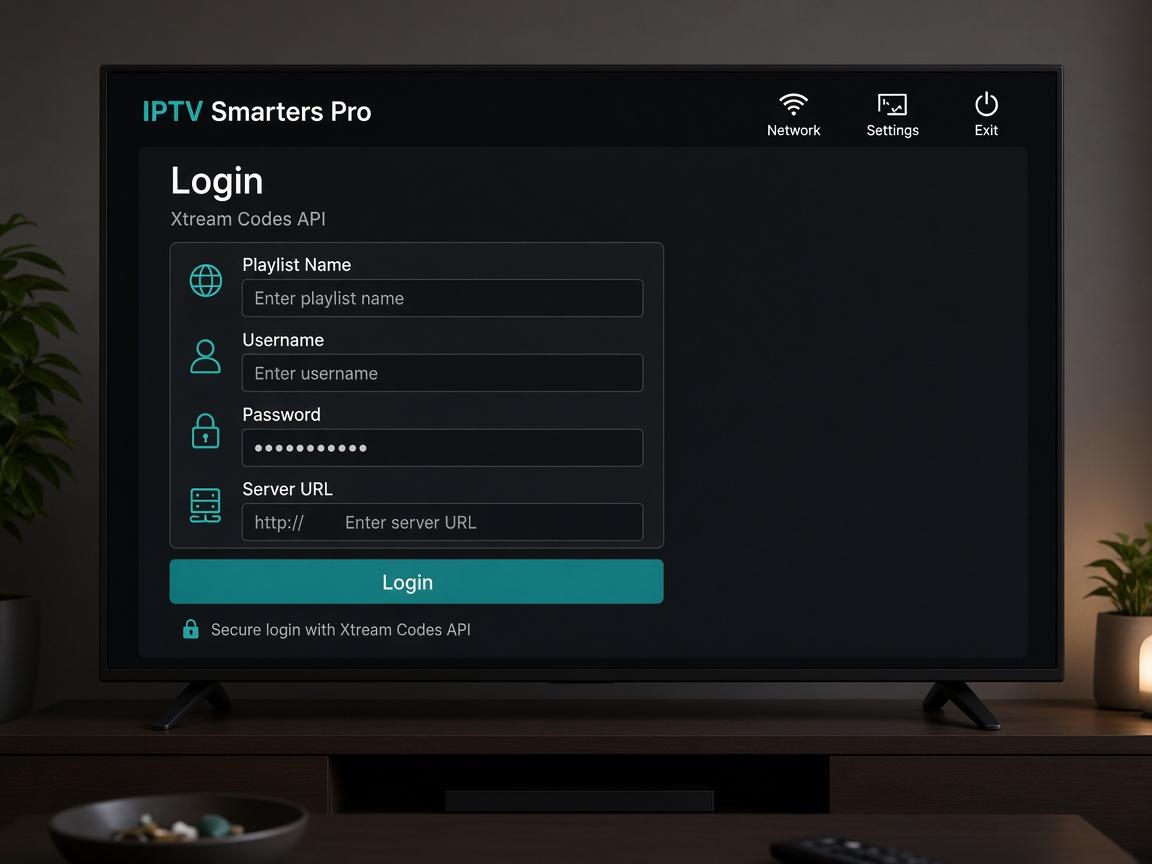
Setup guide
Windows & Mac
Official Smarters desktop builds accept the same Xtream or M3U login you use on TV.
Home / Setup guide
This is the same path we use on WhatsApp when someone buys a Voodoo IPTV subscription. Have your username, password and server URL ready. Prefer a human on the remote with you? Message support and we stay on the chat until Live TV opens.
Step 1
Download
Windows: iptvsmarters.com Windows app. Mac: the macOS build from the same site. Install like any desktop app.
Step 2
Accept terms
First launch shows terms of use — scroll and accept.
Step 3
Add user
Xtream Codes API is preferred (catch-up + auto EPG). Playlist / M3U URL is the fallback.

Step 4
Fullscreen
Open Live TV, choose a group, then expand the preview to fullscreen.
Still stuck?
Send a screenshot of the Smarters login or Downloader URL bar. Most issues are a mistyped server URL or Unknown Sources still off.
Pick a plan
1–5 connections. Monthly to lifetime.
WhatsApp us
Plan is pre-filled. Pay the invoice.
Get login
Xtream Codes in minutes on most orders.
Watch
Fire Stick, Smart TV, phone or laptop.